


FAQ's Catalogue

1. Do you ship internationally?
We currently only deliver to countries in the EU that speak English, French, German, Dutch, Spanish, Italian and Polish. If you need to ship your product to another country, please contact us directly and we will respond accordingly.
2. What does the warranty cover?
All of our products come with a 2-5 years manufacturer’s warranty that covers product defects. It does not cover misuse, loss, or theft.
3. How can I cancel or change my order?
Once your order is placed, we will process and ship it as quickly as possible. If you need to cancel or change your order, please email us before shipping. Thank you. The email address is wisualarmestore@wisualarm.com
4. How long does it take to receive a refund?
Once your order is confirmed to be cancelled, we will process your refund within 3 business days. The actual time it takes to reach your account depends on your bank's processing time.
5. What types of payments are accepted?
We accept the following methods of payment:
(1) Credit/Debit Cards (Visa, MasterCard, American Express)
(2) PayPal
(3) Bank Transfers: only for distributors
(1) Credit/Debit Cards (Visa, MasterCard, American Express)
(2) PayPal
(3) Bank Transfers: only for distributors
6. Does the product have a certification mark?
Of course. All products are CE certified, and some have also received separate special certifications. You can view and download all product certification documents by clicking on the page.
7. How can I track my order once it’s been shipped?
You’ll receive a shipping confirmation email with a tracking number once your order is dispatched (usually within 1–2 business days of purchase). Click the tracking link in the email to view real-time updates on your package’s location. You can also track orders by logging into your account and navigating to “Order History.”
8. Can I pay in other currencies?
Currently, the only currency accepted for online payments is the Euro. If you require a different payment method, please provide your company information and proceed via bank transfer.
Other currencies we accept include: AED, CHF, CZK, DKK, NZD, HUF, ILS, MXN, NOK, SAR, SEK, TRY, RON, ZAR, PLN, and USD.
9. Can I pay later?
We are sorry. We do not currently support payment upon delivery. Distributor partners will only be accepted for payment upon delivery after their company qualifications have been verified. (Please note: the verification process typically takes 2-3 months.)
10. How can I contact customer support if I have additional questions?
You can reach our customer support team via:
1) Live chat on our website (available CET 09:00-12:00, Monday–Friday);
2) Email at wisualarmestore@wisualarm.com (we respond within 24 business hours);
3) WhatsApp at +86 199 0678 0548 (same hours as live chat).
1) Live chat on our website (available CET 09:00-12:00, Monday–Friday);
2) Email at wisualarmestore@wisualarm.com (we respond within 24 business hours);
3) WhatsApp at +86 199 0678 0548 (same hours as live chat).
Product Troubleshooting
My smoke detector keeps false-alarming when I cook. How can I fix this?
Cooking smoke is a common trigger for false alarms. Try these solutions: Move the detector at least 10 feet away from the kitchen; install a heat detector (instead of a smoke detector) near the kitchen; use a range hood while cooking to vent smoke; or press the “hush” button temporarily if an alarm starts. Avoid placing the detector directly above stovetops or ovens.
When I press the “test” button, my smoke detector doesn’t sound an alarm. What’s wrong?
First, check the power source: For battery-powered models, replace the battery (ensure it’s properly inserted). If power is working but there’s still no sound, the speaker or internal sensor may be faulty—replace the detector if it’s within its lifespan, or contact customer support for repairs.
My smoke detector makes short, frequent “chirps” even after I replaced the battery. Are there other causes?
Yes. Common reasons include: A dirty sensor (gently vacuum the vents with a soft brush to remove dust/debris); or the detector being past its 5–10 year lifespan. If chirping continues after cleaning and checking wiring, the unit is likely defective and needs replacement.
My smart smoke detector won’t connect to Wi-Fi, even after multiple attempts. What could be the problem?
Troubleshoot with these steps: Ensure your Wi-Fi is on 2.4GHz; move the detector closer to your router to improve signal strength; reset the detector (hold the “reset” button for 10 seconds) and re-run the setup process; update your router’s firmware if it’s outdated. If connection fails, check if the detector is compatible with your Wi-Fi protocol or contact support for further help.
The “silence” button on my smoke detector isn’t working, and the alarm won’t stop. What should I do?
First, confirm the alarm is a false trigger (no actual smoke/fire). If so: Disconnect the power (remove batteries ) to stop the alarm. Clean the sensor and reapply power—test the “silence” button again. If it still doesn’t work, the button or internal circuitry may be damaged; replace the detector for safety.
I replaced the battery recently, but my smoke detector still shows low battery. Is this a battery or detector issue?
It could be either. First, try a different brand of battery. Ensure the battery is inserted correctly (match positive/negative terminals). If the low-battery alert persists, the detector’s battery contacts may be dirty or corroded—clean them gently with a dry cloth. If the problem continues, the detector’s power circuit is faulty, and you’ll need a new unit.
I have pets—will they trigger false alarms on my smoke detector? How can I prevent this?
Pets rarely trigger standard smoke detectors, as alarms require smoke particles (not pet hair or movement). However, avoid placing detectors near areas where pets play with dusty toys (dust can occasionally trigger sensors). For extra caution, choose detectors with “pet-friendly” sensitivity settings or mount them higher (6–12 inches from the ceiling) to avoid pet interference.
I have linked smoke detectors, but when one alarms, the others don’t respond. Why is this happening?
Linked detectors rely on proper connectivity. For wireless links: Ensure detectors are within range (30–50 feet, depending on the model) and no walls/metal objects block the signal. Reset all linked detectors and re-pair them following the user manual. If the issue continues, one detector may have a faulty transmitter—replace the unresponsive unit.
My carbon monoxide detector keeps beeping, but I don’t smell anything unusual. Should I be worried, and what should I do first?
Yes, you should take this seriously—carbon monoxide (CO) is odorless, tasteless, and toxic, so never ignore a CO detector alarm. First, immediately evacuate everyone and pets from your home to fresh air. Once outside, call your local emergency services (fire department) to inspect for CO leaks. Do not re-enter your home until authorities confirm it’s safe. If the alarm stops after evacuation, it may still indicate a low-level leak or a detector issue (e.g., low battery, expired unit). After safety is confirmed, check the detector: Replace the battery if it’s chirping (short beeps) or replace the entire unit if it’s over 5–7 years old (CO detectors have a shorter lifespan than smoke detectors).
The live feed from my smoke detection camera is blurry, and it’s not sending smoke alert notifications to my phone. How can I fix these issues?
Let’s troubleshoot both problems step by step:
Blurry live feed: First, clean the camera lens gently with a soft, dry microfiber cloth (smoke residue or dust often causes blurriness). Ensure the camera is mounted in a location free from condensation (e.g., avoid bathrooms or kitchens with heavy steam) and adjust the angle to avoid direct light (glare can distort the feed). If blurriness persists, check if the camera’s resolution settings are set to “high” in your app—lower settings may cause fuzziness.
Missing smoke alerts: Verify the camera is connected to a stable Wi-Fi network (weak signals delay or block notifications). Open the app to confirm “smoke detection alerts” are enabled (check the “notifications” settings). Ensure the camera’s smoke sensor isn’t blocked by objects (e.g., curtains, shelves) and clean the sensor vents with a small brush to remove debris. If alerts still fail, update the camera’s firmware via the app or reset the device (hold the reset button for 15 seconds) and reconfigure it.
Blurry live feed: First, clean the camera lens gently with a soft, dry microfiber cloth (smoke residue or dust often causes blurriness). Ensure the camera is mounted in a location free from condensation (e.g., avoid bathrooms or kitchens with heavy steam) and adjust the angle to avoid direct light (glare can distort the feed). If blurriness persists, check if the camera’s resolution settings are set to “high” in your app—lower settings may cause fuzziness.
Missing smoke alerts: Verify the camera is connected to a stable Wi-Fi network (weak signals delay or block notifications). Open the app to confirm “smoke detection alerts” are enabled (check the “notifications” settings). Ensure the camera’s smoke sensor isn’t blocked by objects (e.g., curtains, shelves) and clean the sensor vents with a small brush to remove debris. If alerts still fail, update the camera’s firmware via the app or reset the device (hold the reset button for 15 seconds) and reconfigure it.

We're ready to help!
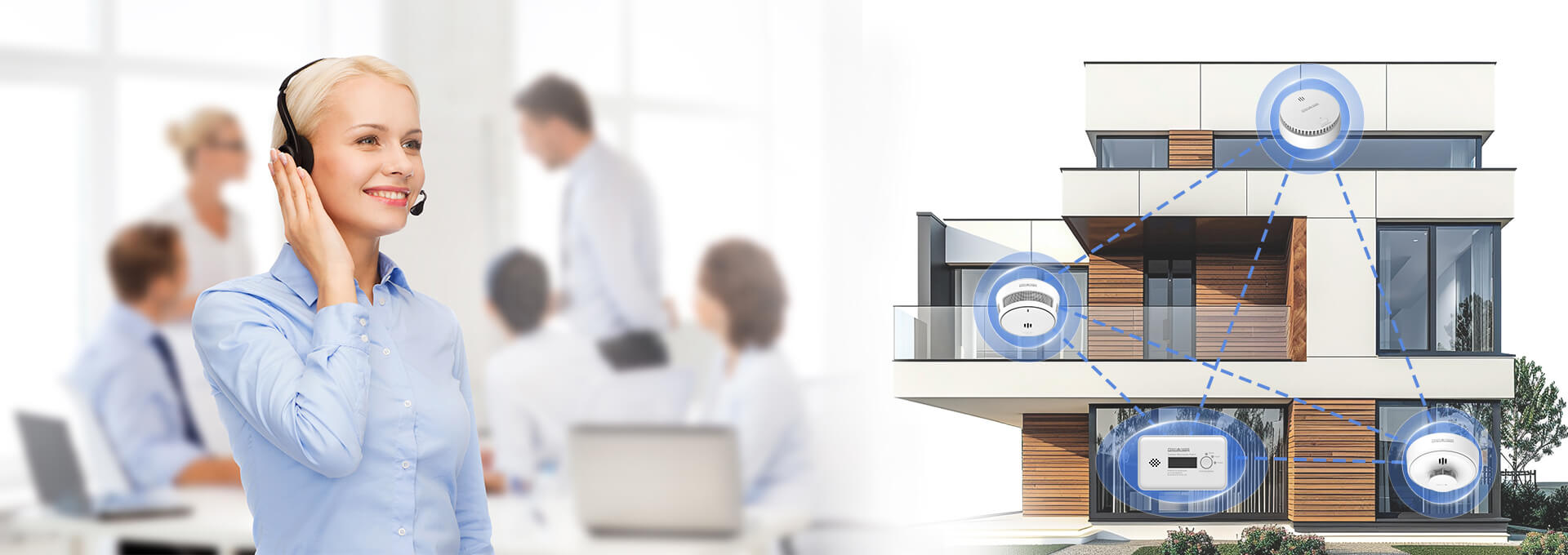
Need further help? Don’t hesitate to contact us—we’re happy to lend a hand!
Contact us